

Technologies
AI for client meeting prep and account analysis: how an agency does it

Aldana Kosciak
Published · 7 min

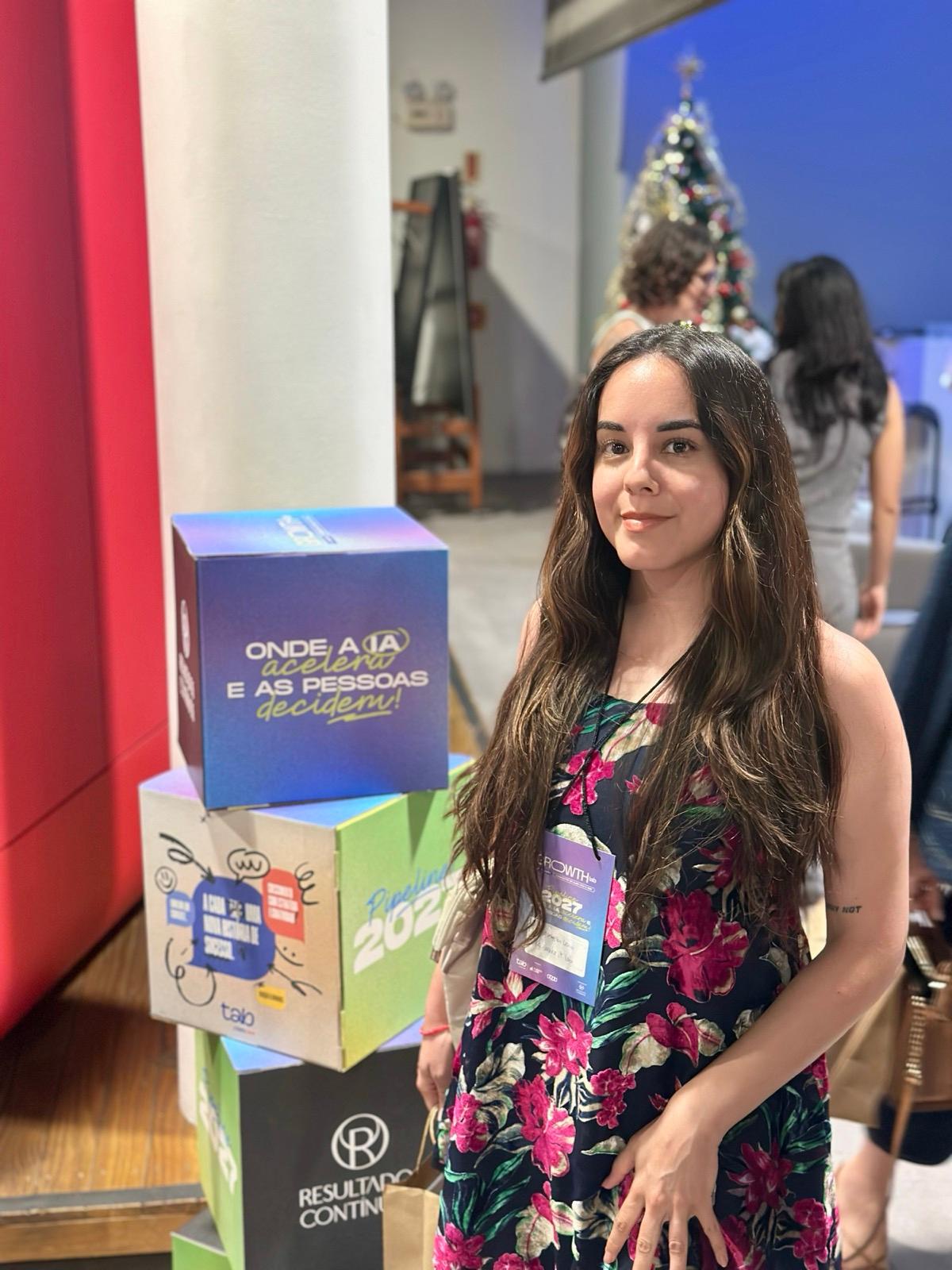
This is how I picture the desk before a meeting: notes, tasks and messages already sorted, and time left to think about what I'm going to tell the client.
The short answer
Yes, AI is useful for two concrete jobs on an account: getting to the meeting with everything already read (notes, tasks, messages and emails in a single pass) and reviewing ad accounts with the same criteria every time. What we don't hand over is the decision, the creation of tasks or sending anything to the client: a person does that after reviewing.
Three things have to be in place. Claude has to be able to read your tools (the Gmail, Calendar and Drive connectors ask for your approval on every action by default), your criteria have to be written down in a Skill, and someone has to review before anything goes out. I'm writing this as an Account Executive at We make it Lab, and everything below is how we work from the accounts side.
What we ask for before a meeting
A status meeting with a client leaves behind notes, tasks, messages and emails. The hard part is knowing what was left open. This is what we ask Claude to do:
- Read the notes from the last meeting and the two or three before it, to find open items that keep carrying over.
- Match each point against the task board: does it have a task in progress, is the task overdue or without an owner, or is there no task at all?
- Read the client's Slack channels and the last few weeks of email, to catch requests that never reached the board.
- Return everything sorted into four states: Done, In progress, Pending and No task.
| Source | What we look for | What we get back |
|---|---|---|
| Meeting notes (Drive) | Open items with an owner and a date, and carry-overs never closed | List of commitments |
| Task board | Tasks in progress, overdue or without an owner | Status of each commitment |
| Client channels (Slack) | Requests and changes that were never written down | Pending items with no task |
| Email (Gmail) | Invoices, requests and automatic alerts | Risks and blocked topics |
For Claude to read all of that, it needs connectors. Anthropic offers first-party integrations with Google Drive, Gmail, Google Calendar, GitHub, Slack and Microsoft 365, built on MCP, an open standard that Anthropic itself created. We add our task board the same way. If you want to see how that connection is set up with a CRM or an ERP, we explain it in how to connect Claude to your CRM or ERP with MCP.
What comes out of this reading is a report, so we get to the meeting knowing what happened, what is missing and which topic could stall the client.
What we ask for when analyzing accounts
Our Meta Ads review always follows the same order: restrictions and measurement (pixel and Conversions API), four indicators (spend, frequency, CPM and CPA), real profitability (gross profit per transaction, not just ROAS) and a creative diagnosis. With that recipe written into a Claude Skill, the analysis depends less on who asks for it and on what someone remembers that day.
A Skill works like this: according to the Claude documentation, Claude sees each Skill's name and description, loads the instructions of the one that fits your request and opens extra files only when it needs them. That's why the description has to say clearly when to use it.
To read the accounts, Meta and Google have their own MCP servers, and they don't do the same thing:
- The Meta ads MCP server is hosted by Meta. It lets you pull reports and also create and edit ads, ad sets and campaigns, using permission-scoped tools.
- The Google Ads MCP server declares a "read and partial mutate" mode: it queries accounts and reports, creates assets and manages labels, but it does not create, modify, pause or activate campaigns, budgets or bids. Every change goes through a dry-run validation first (except video uploads, which have no dry-run mode) and is applied only after explicit approval. The page shows an update date of November 13, 2026.
- The Google Ads API agent skills are meant to be used alongside that server: the server gives access to campaigns and metrics, and the skills tell the assistant how to use those tools.
Our rule is to start in read mode. We do the same with the pixel: a check compares the last seven days against the previous seven and warns us if any event dropped by more than 20%. A daily report on the Meta accounts compares today against yesterday. In every case, what comes out is a diagnosis to review. If you want to see what we do with those diagnoses, it's part of our paid media for ecommerce service.
The rules we use so the AI makes things up as little as possible
- Every data point comes from a source. Anything that doesn't appear in the notes, tasks, messages or emails is marked "To confirm".
- If two sources contradict each other, we flag it. For example, the notes say one date and the client's message says another. We ask Claude to flag it instead of picking one.
- An old data point is never presented as current. We cite the source and the date, or we check again.
- Before proposing a task, we check whether it already exists.
- Nothing is created or changed without confirmation. First it's proposed, then a person chooses what gets loaded.
- The writer never approves. Every deliverable goes through a separate quality check before it reaches a person, and then a person looks at it.
From what was said to what gets done
After the meeting, the report turns into a task proposal: title, board, owner, deadline, area and a description with context, steps and acceptance criteria. There is a board rule: what the agency does goes on an internal board, and what depends on the client or is done by the client goes on a shared board, written without jargon because the client reads it. If a topic needs both, we split it into two tasks.
Dates are calculated backward from the event or launch, and the client's approval always carries an "at the latest" date. That helps avoid the request that sits waiting for an answer nobody has a date for.
The weekly report follows the same logic: first a business read (summary and recommendation) and then the detail. The client's pending items are kept apart from the agency's internal work, and every number shows its change against the previous week. If you want something similar for your sales team, see how we do CRM implementation.
How to try it in your company in five steps
- Connect the minimum: Drive, Gmail and Calendar. Keep approval per action turned on.
- Pick a recurring meeting (the weekly status, an account review) and write down in a document how you prepare it today.
- Turn that document into a Skill, with a clear description of when to use it. In how to implement Claude in a company we explain connectors, Skills and security.
- Ask for the report with the four states (Done, In progress, Pending and No task) and compare it with what you would have put together by hand.
- Once the report matches several times in a row, add recurring tasks. Claude can run multi-step tasks with your connectors, including scheduled ones.
What not to do
- Give write permissions on your ad accounts on day one. Start with read access.
- Approve without reading. By default Claude asks for approval on every action, and on Team and Enterprise plans the owners decide whether members can allow actions such as sending, replying to or forwarding emails, and sharing, moving or trashing Drive files, without asking. Think twice before removing that pause.
- Paste keys, tokens or passwords into the chat. Load them separately.
- Send the client a summary nobody has verified.
- Load end customers' personal data (phone numbers, emails, ID numbers) when the task doesn't need it. Use aggregated data.
Conclusion
AI saves us from assembling the folder. What matters is what we do with that time: read the numbers, decide and talk to the client. The better the criteria are written, the more reliable what comes back.
If you want to see how this would look on your team or your accounts, book a 30-minute account diagnosis with us. In the meantime, take a look at our client case studies.
Sources consulted
- Use Google Workspace connectors, Anthropic (accessed Nov 16, 2026).
- Connectors overview, Anthropic (accessed Nov 16, 2026).
- Skills overview, Anthropic (accessed Nov 16, 2026).
- Ads MCP Server, Meta for Developers (accessed Nov 16, 2026).
- Google Ads MCP server: Developer integration guide, Google for Developers (updated Nov 13, 2026, accessed Nov 16, 2026).
- Google Ads API AI agent skills, Google for Developers (updated Nov 13, 2026, accessed Nov 16, 2026).
You might also like
Claude as an operations hub: how we connect ads, CRM and reportingFrequently asked questions
- Can you use AI to prepare for a client meeting? Yes. Claude can read the previous notes, the task board, the messages and the emails, and return a report of what is done, in progress, pending or without a task. A person reviews that report before the meeting.
- Can Claude read my Gmail, Calendar and Drive? Yes, with the Google Workspace connectors. By default, every action Claude takes on your behalf requires your explicit approval, and on Team and Enterprise the owners define whether members can allow actions such as sending emails or moving Drive files without asking.
- Can AI change my Meta or Google campaigns? It depends on the server and on the permissions you give it. The Google Ads server documented by Google does not create, modify or pause campaigns, while Meta's lets you create and edit. It's best to start in read mode.
- What is a Skill and why does it help analyze accounts? It's a folder of instructions that Claude loads when your request matches its description. It makes the analysis follow the same steps every time, regardless of who asks.
- Does this replace the account person? No. AI reads, sorts and proposes. The person verifies, decides what gets loaded and talks to the client.
About the author

Aldana Kosciak
Account Executive · We make it Lab
Explore more on